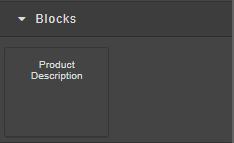
Open Blocks
Within the Block Manager, you’ll find several categories:
-
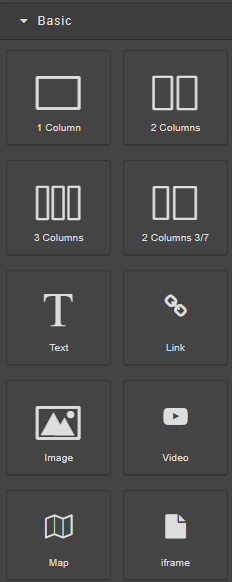
Basic - adding blocks for images, text, videos and more...
-
Extra
-
Tables
-
Templates
-
Blocks
Basic
Contains essential building blocks to structure your page.
-
1 Column / 2 Columns / 3 Columns / 2 Columns 3/7 – Create responsive row layouts with different column configurations.
-
Text – Add text blocks for headings, paragraphs, or any written content.
-
Link – Insert clickable text or buttons that direct users to other pages or URLs.
-
Image – Add and customize image elements.
-
Video – Embed videos from sources like YouTube or Vimeo.
-
Map – Insert an interactive map for location display.
-
iFrame – Embed external content or widgets using an iframe code.
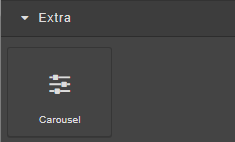
Extra
- Carousel – Add an image or content slider to display multiple items interactively.
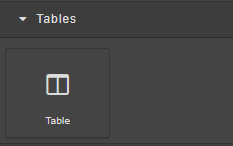
Tables
- Table – Insert structured data or comparison tables to organize information neatly.
Templates
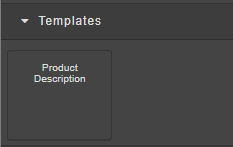
The Templates section includes pre-designed layouts such as the Product Description template.
You can use these ready-made sections to quickly insert structured content without designing from scratch.
Blocks
The Blocks section contains reusable content blocks — such as the Product Description block — that you can drag into your layout.
These blocks can be customized, duplicated, or reused across multiple pages to maintain consistency in design and structure.