Step 1: Open Settings
-
On the top right corner of your Producer Portal, click your Profile icon (this may show your name and/or your company logo or profile picture).
-
From the dropdown menu, select Settings.
Step 2: Change “Password”
-
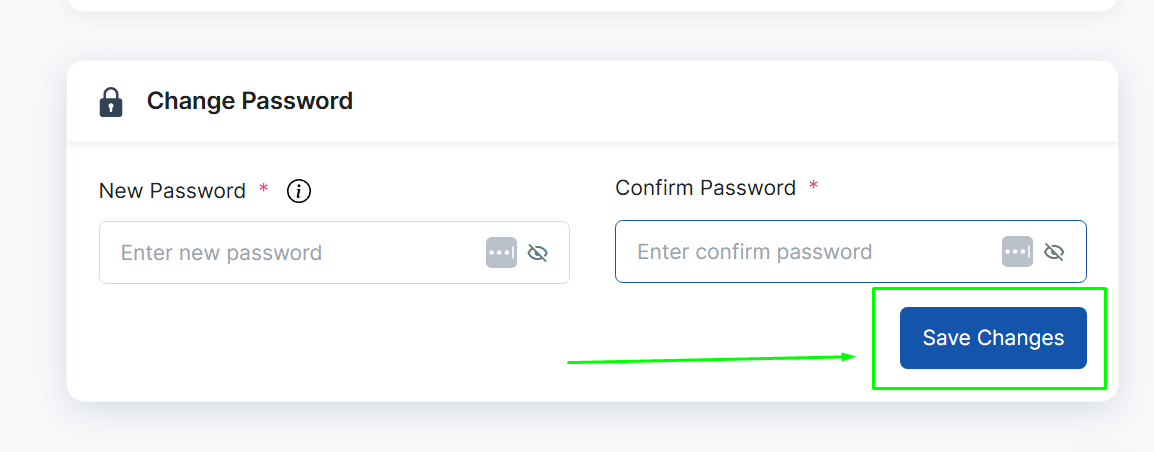
Scroll down or select Password under Profile Information
-
Type your new password, make sure it’s something secure and easy for you to remember. (See Tips below)
-
In the Confirm Password field, enter the same password again to verify.
-
Click Save Changes to update your password.
Tips for a Strong Password
-
Use a mix of uppercase, lowercase, numbers, and symbols.
-
Avoid using common words or your business name.
-
Change your password periodically for added security.