You can access it by going to:
Producer Portal
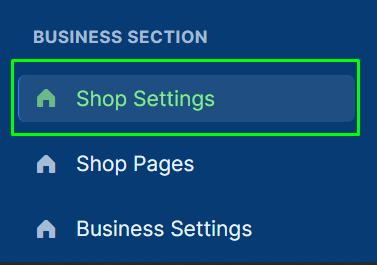
Menu → Business Section → Shop Settings
Below are detailed guides for each tab.
⚙️ 1. General
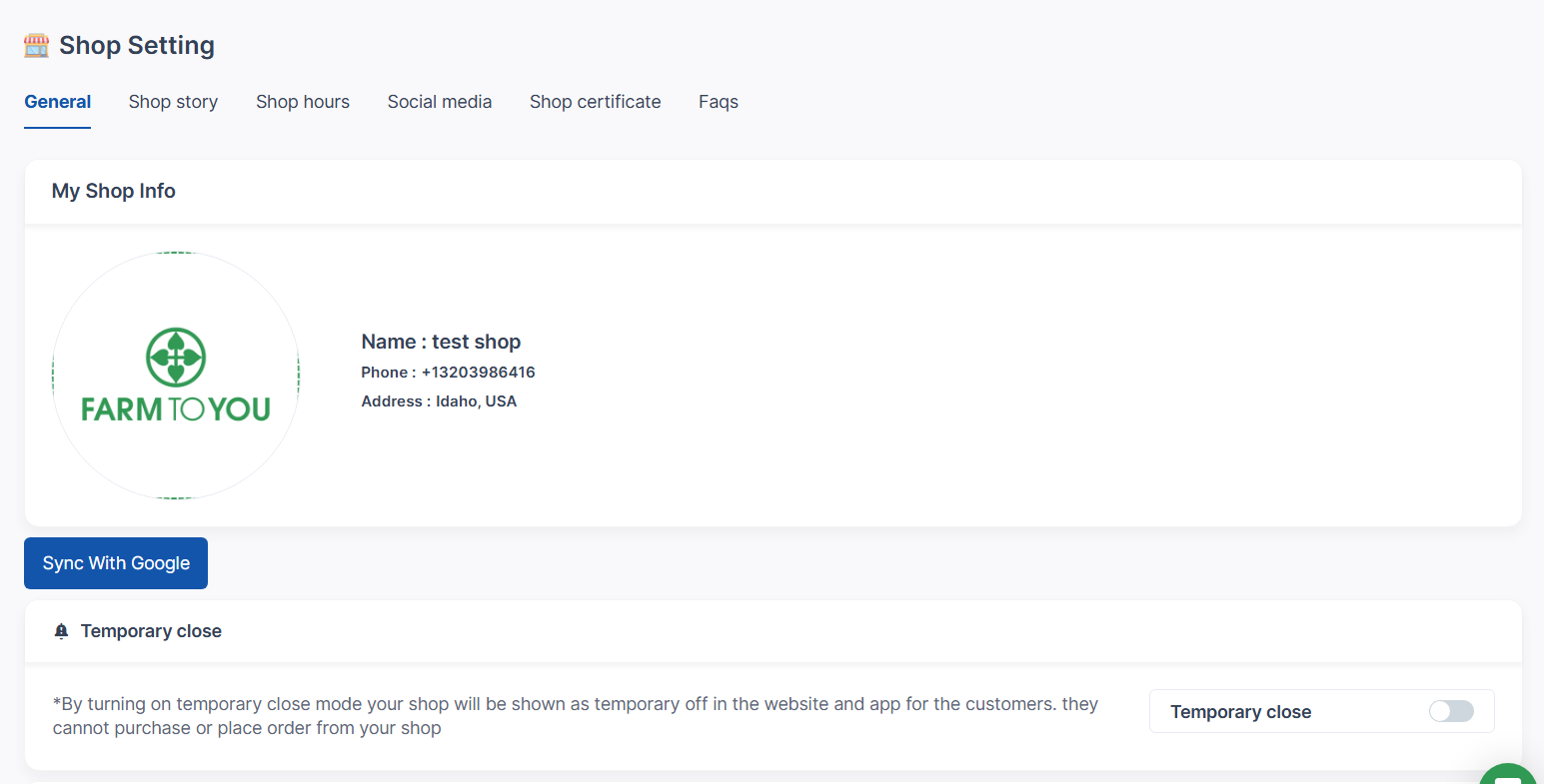
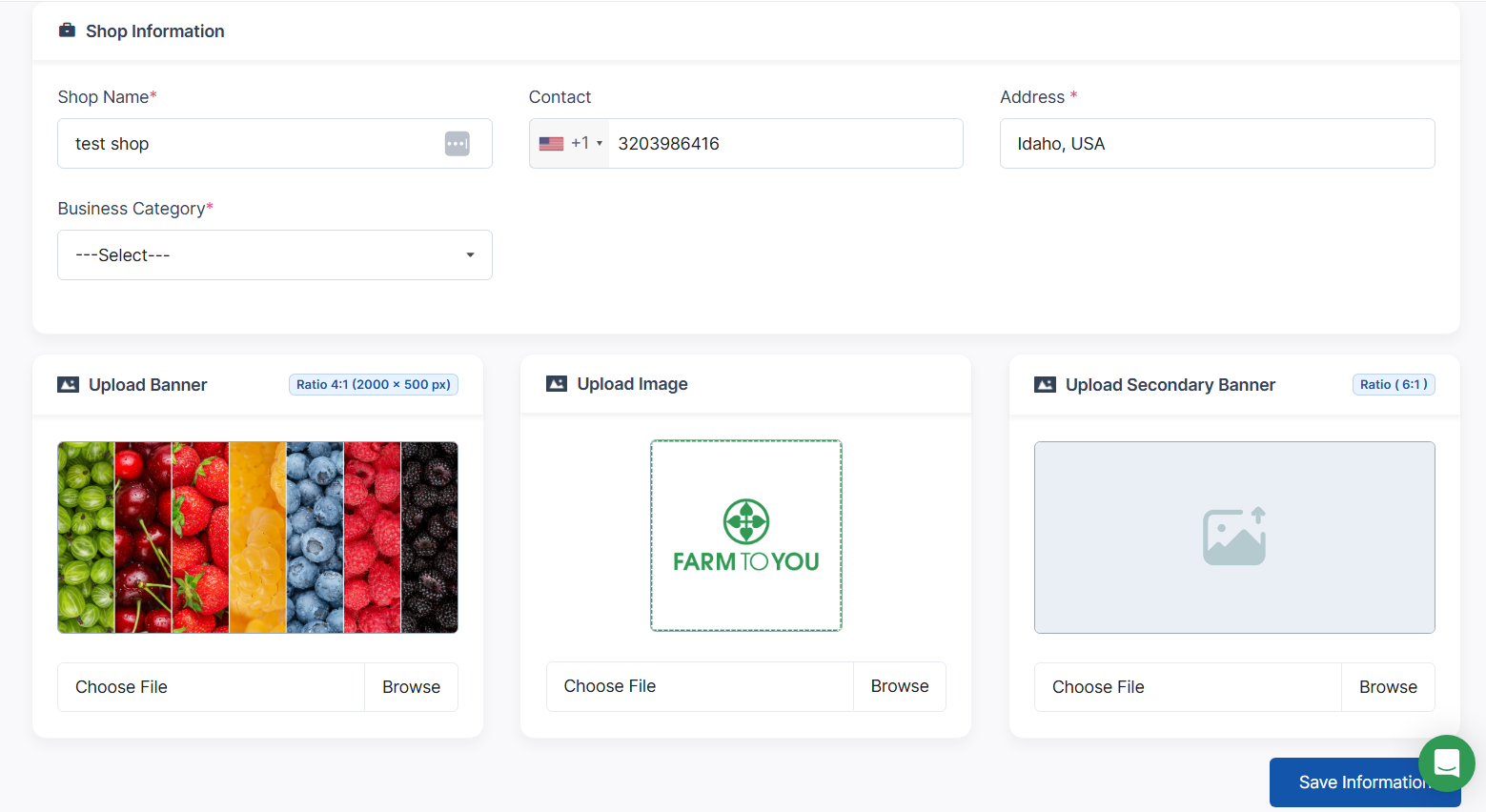
The General tab lets you define your shop’s basic details.
Fields and Functions
-
Shop Name – Your store’s display name.
-
Phone Number – informational only, not shared publicly.
-
Address – Shop’s physical/operating address or general location used to position your shop on the map helping customers to visually see where their food is coming from.
-
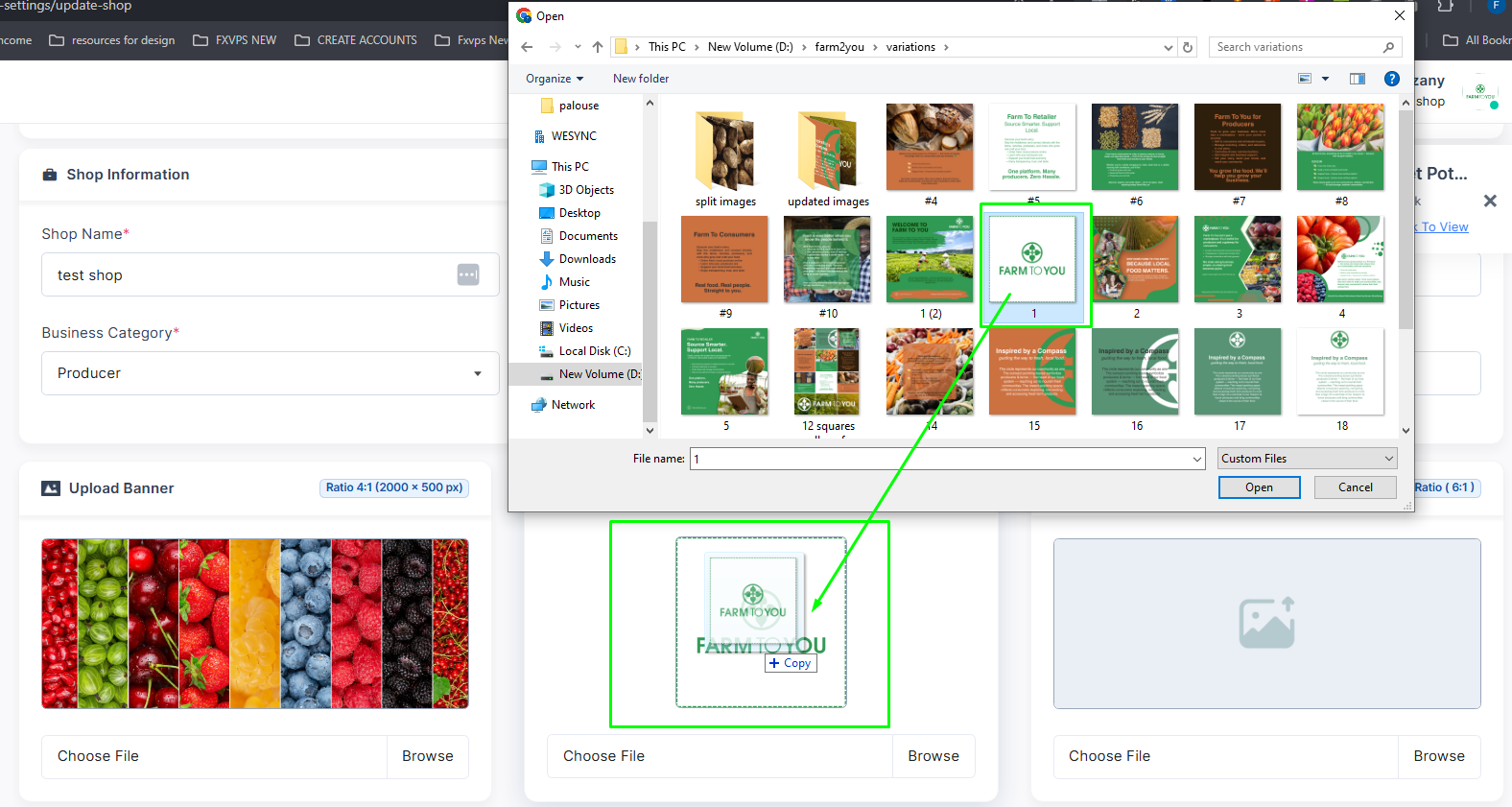
Logo Upload – Upload your shop’s logo image.
-
Banner Upload – Upload a banner or header image for your shop page.
Resizing or Editing Images & Sizes
Actions
-
Click Save to update your information.
-
Changes are reflected immediately on your storefront.