Step 1: Sign Up as a Producer
👉 Click “Sign Up” from the homepage
OR
Hover over Account → Select Become a Producer
You’ll be taken directly to the Producer Registration Form.
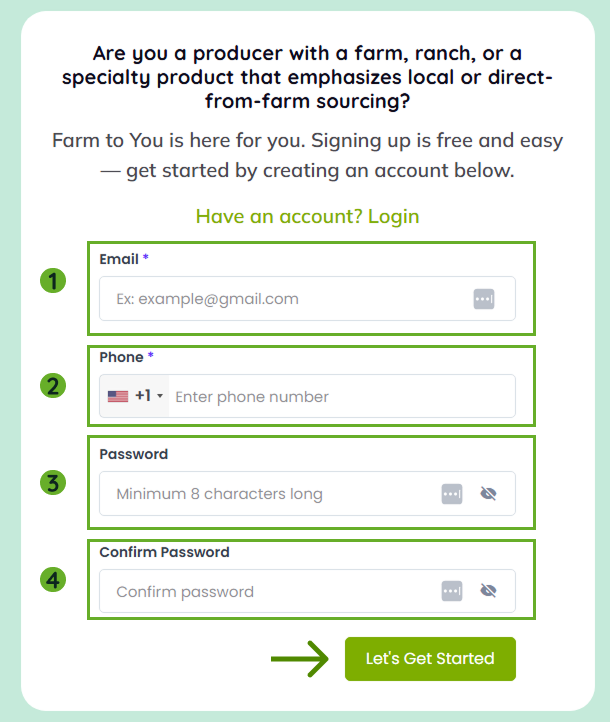
Step 2: Complete Your Profile
Follow the sections on the registration form to set up your Producer account.
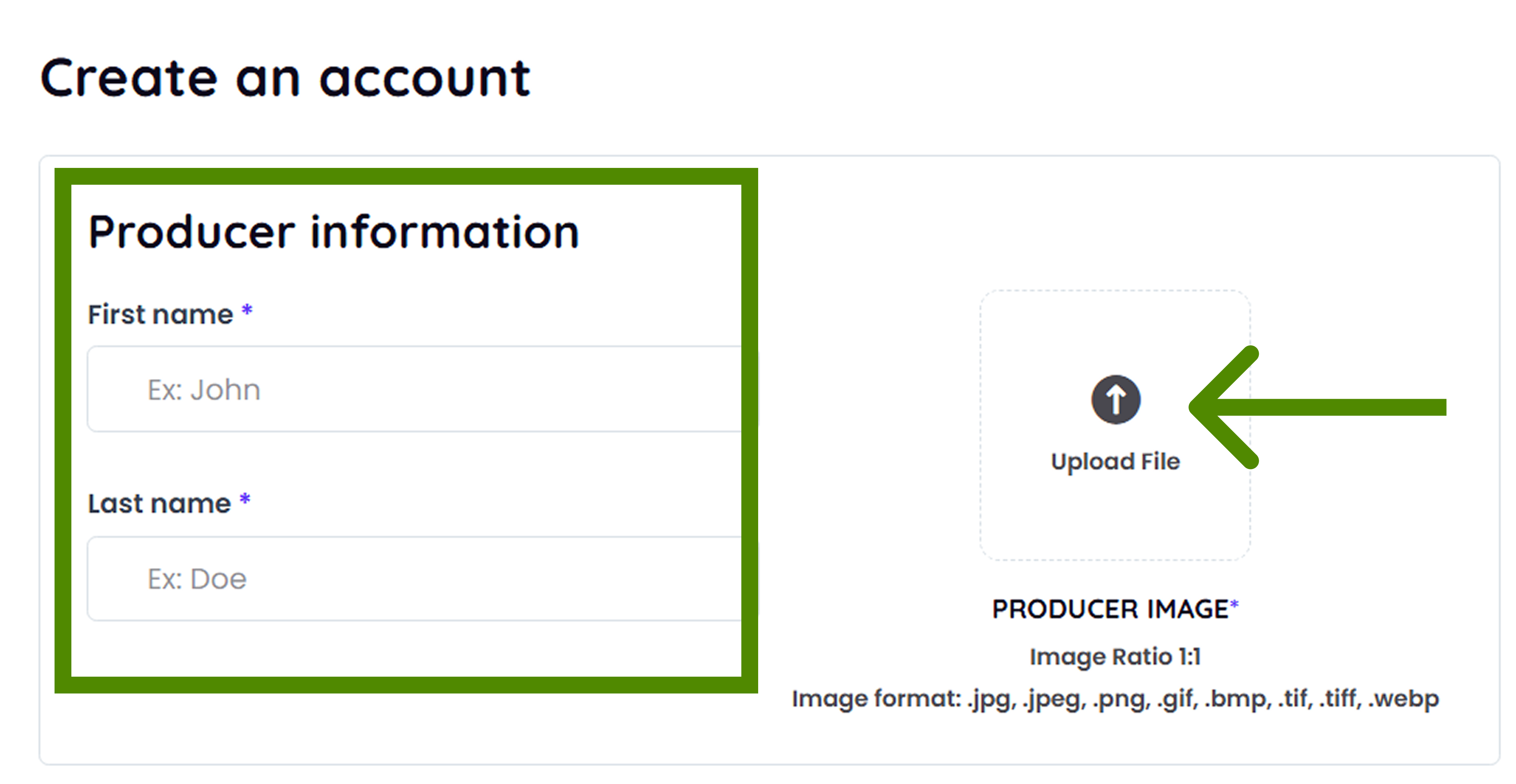
Producer Information
This is the primary contact information FarmToYou can use when reaching out.
Note: Producer image is optional. Image Requirements:
-
JPG, PNG, WEBP
-
Recommended size: 1000 × 1000 px
Need help resizing?
📖 [How to Resize or Edit Image →]
Shop Information
This is the information customers will see on your storefront.
If you'd prefer to have a general area for the Shop Address , you can put a general location.
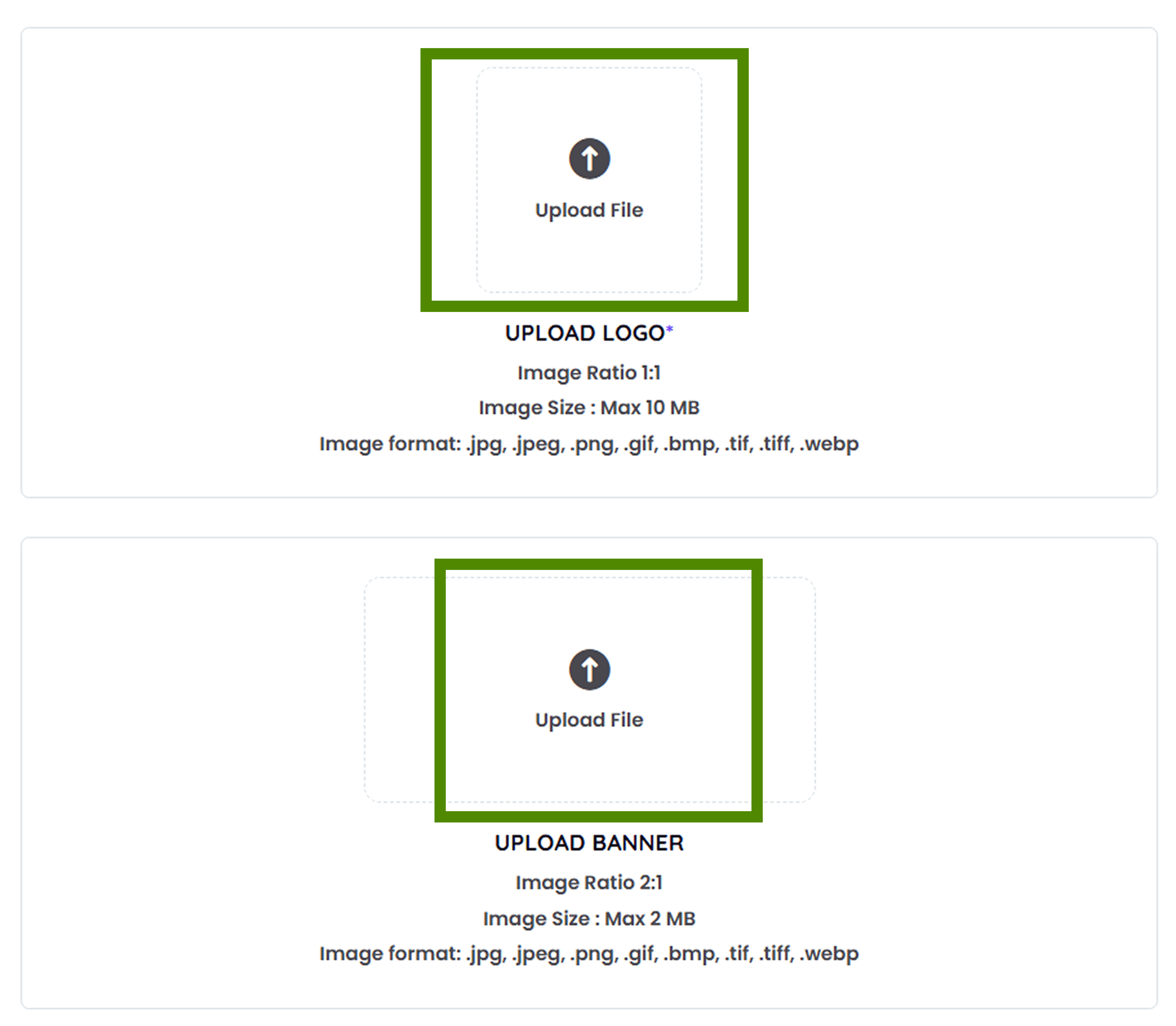
Logo and Banner are required. These help present you to the general public.
Image Requirements:
-
Supported formats: JPG, PNG, WEBP
-
Logo: Recommended size 1000 × 1000 px
-
Banner: Recommended size 1200 × 300 px
Need help resizing?
📖 [How to Resize or Edit Image →]
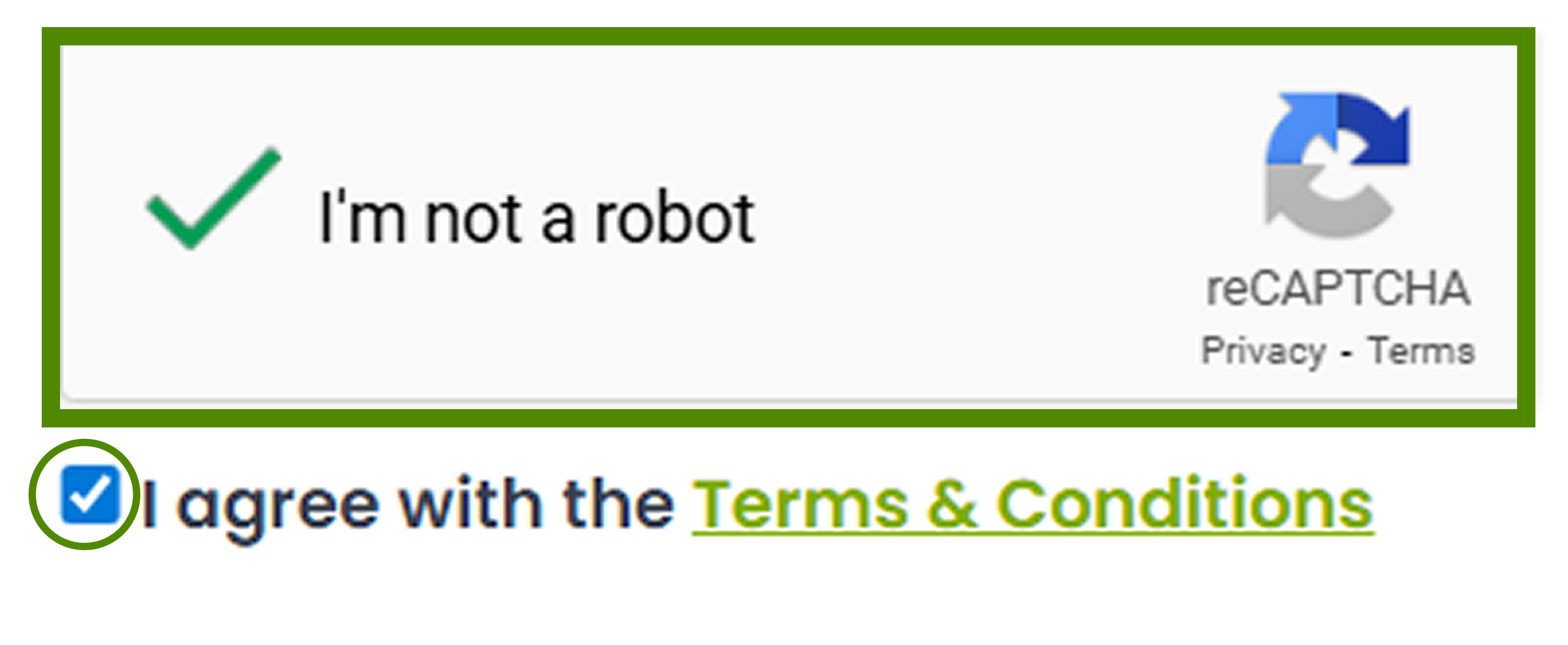
Finalize Your Registration
-
Complete reCAPTCHA
-
Check “I agree to the Terms & Conditions.”
-
Click Submit
Your account will be created, and you can log in to access your dashboard.
3. Log In
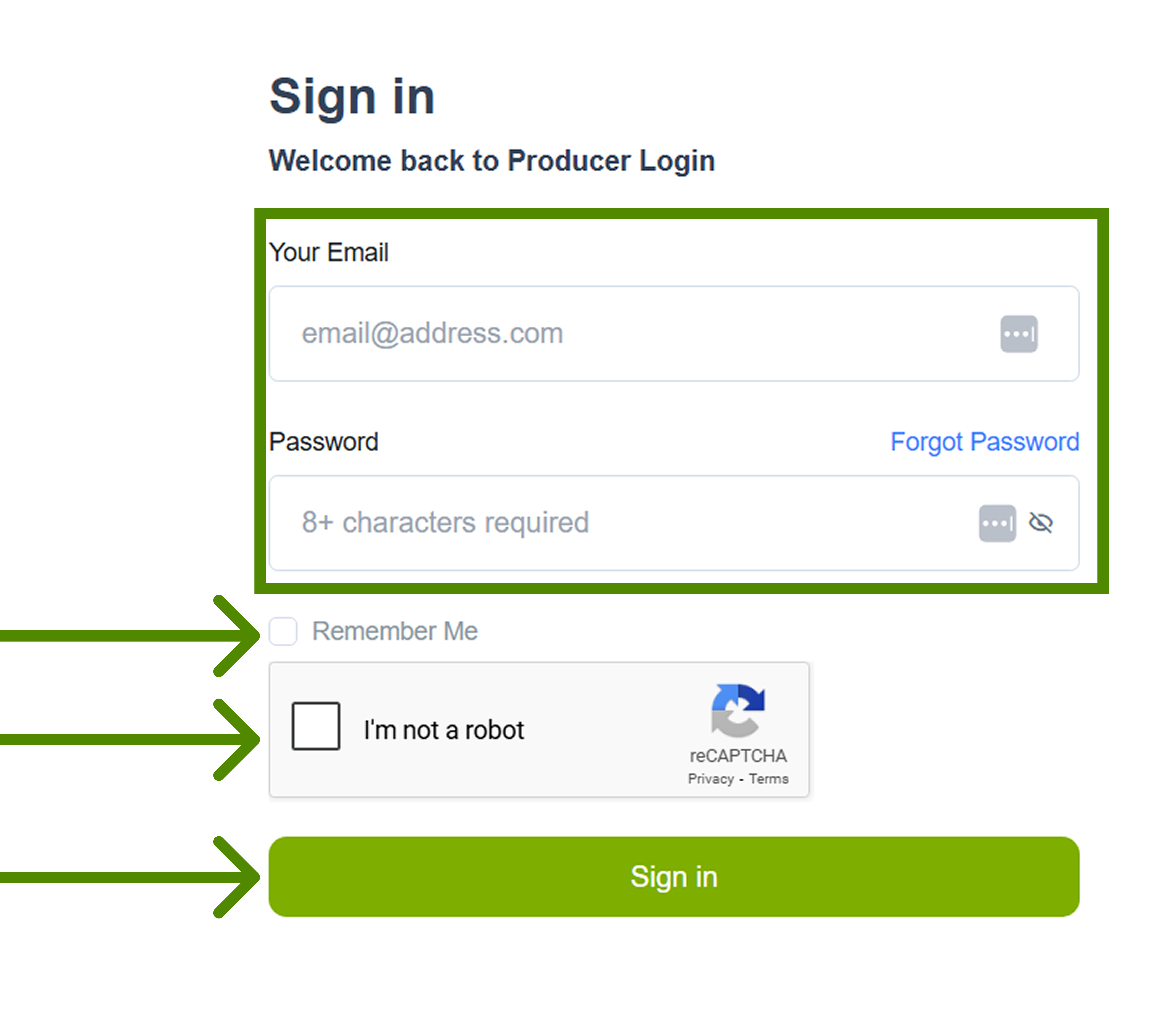
After registration, you will be redirected to sign in with your email + password to access your dashboard.
4. Explore Your Dashboard
Your Producer Portal is now setup, explore and continue the setup process by following the videos and prompts on your dashboard.